LAN → -PR
Ping allowed → -PE
Ping blocked → -PS or -PA
Need IP from name → nmap -sn hostname
Check if host is up without scanning ports:
nmap -sn -PR [Target IP Address] (-sn: disable port scan -PR: performs ARP ping scan)
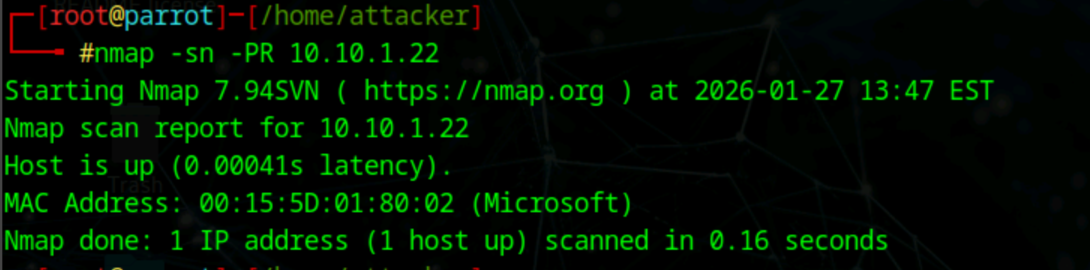
Does not work across subnets
ARP ping scan
Check if host is up if ping is disabled:
nmap -sn -PU [ip]
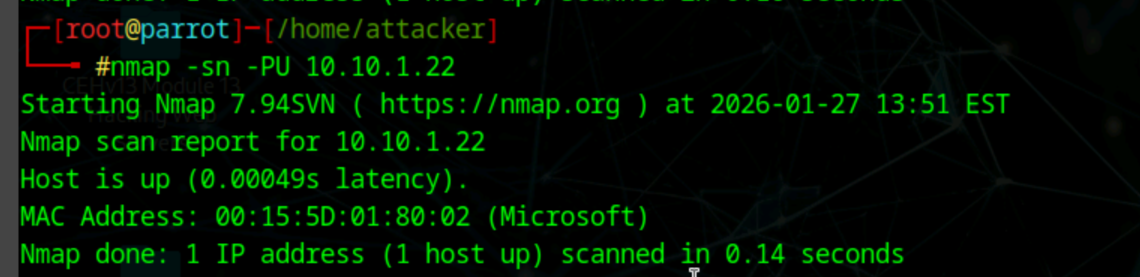
in case ICMP or ARP disabled
UPD scan
Check if ICMP ping is passing trough firewall:
nmap -sn -PE [range of IP or IP] 10.10.1.10-23
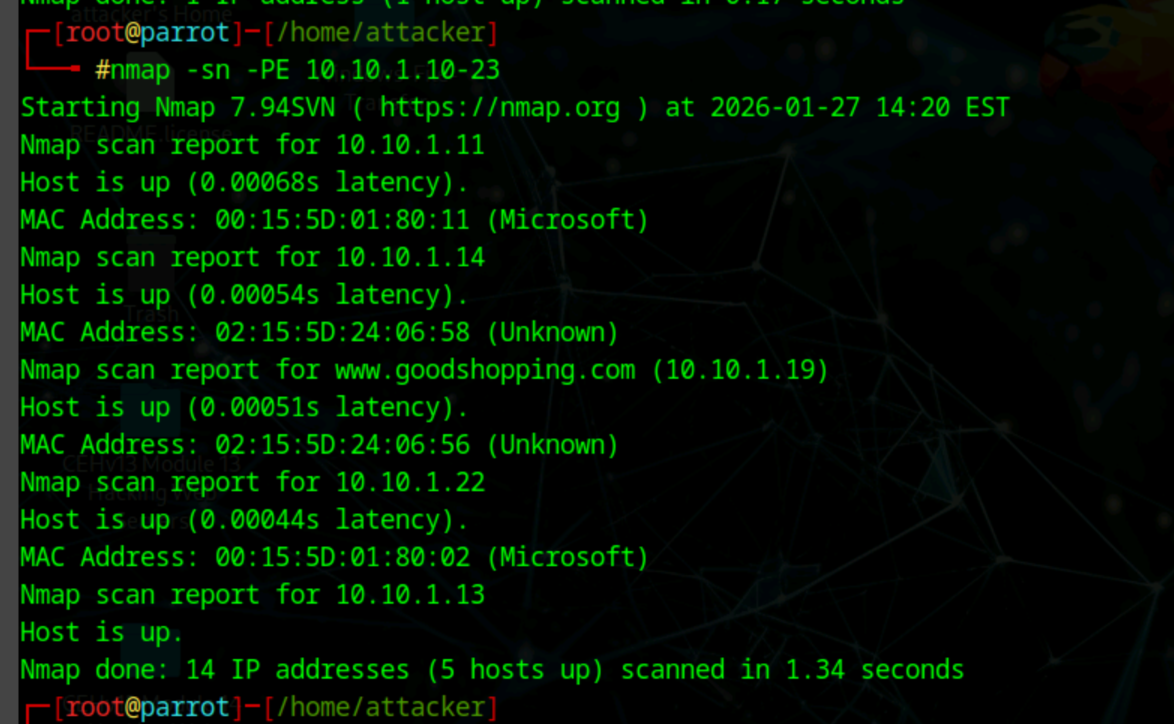
Echo ping sweep
Check live hosts from range of IP
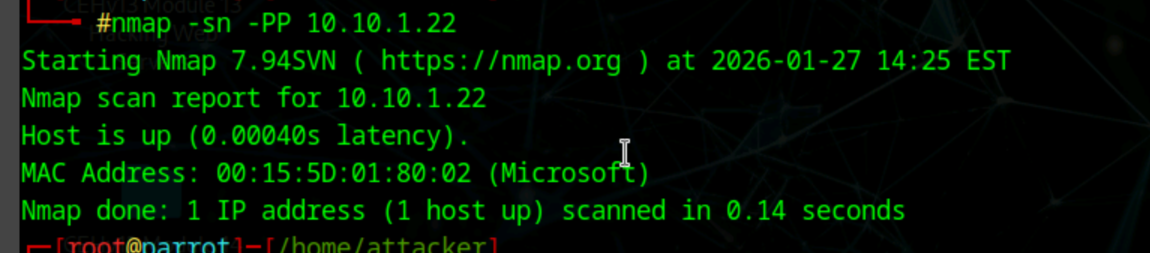
ICMP Timestamp ping, query timestamp message
nmap -sn -PP [ip]
Check if host is live when admin has blocked ICMP echo pings:
nmap -sn -PM [ip]
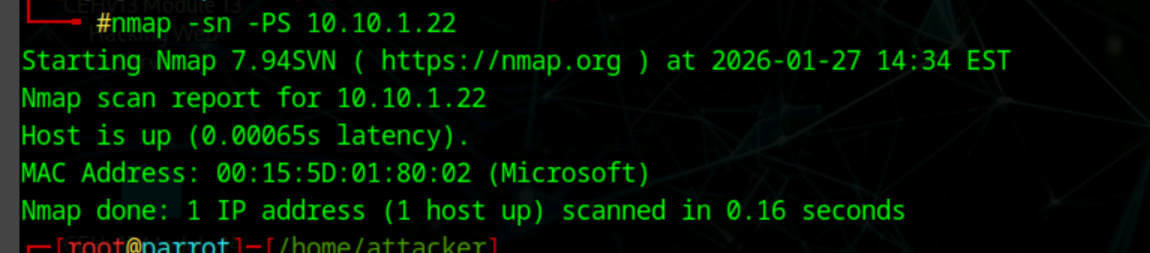
Send empty SYN packets, ICMP blocked but TCP allowed
nmap -sn -PS [ip]
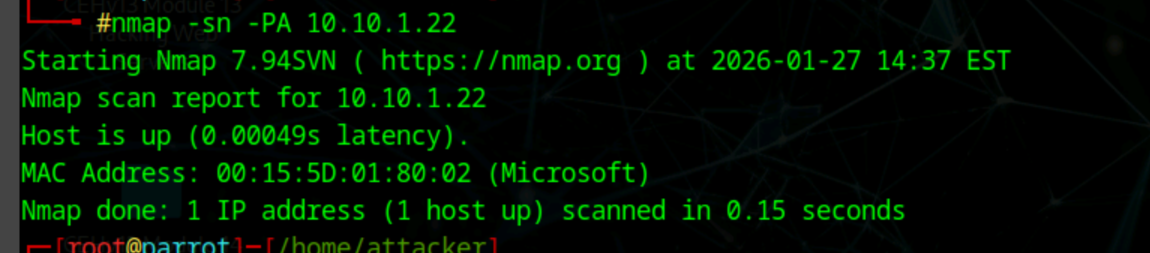
Send empty TCP ACK packets, RST means target is alive. I
nmap -sn -PA [ip]
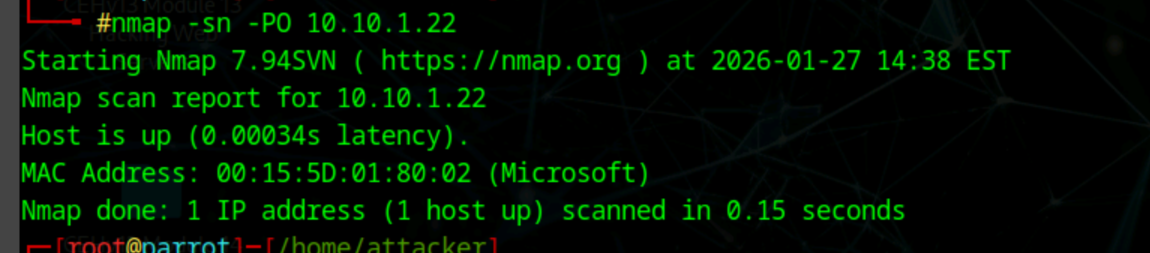
IP protocol ping scan, different probes of different IP protocols
nmap -sn -PO [ip]
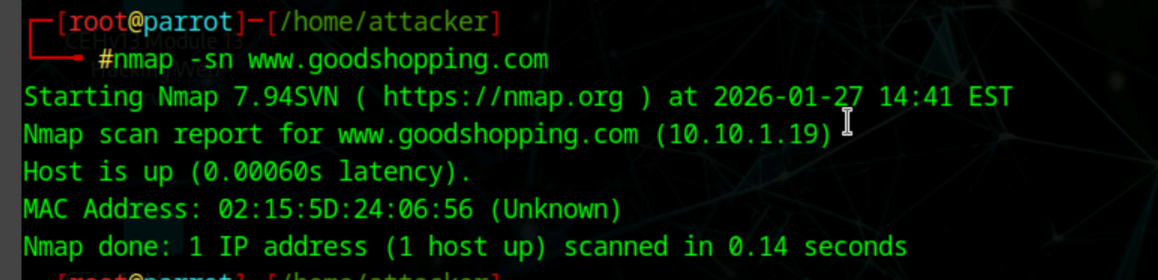
Find host by web address
nmap -sn www.goodshopping.com
| Scan / Flag | What it does | When to use | use case |
|---|---|---|---|
-sn | Host discovery only (no ports) | Any question saying host discovery only | “without scanning ports” |
-PR | ARP ping (LAN only) | Best method on same subnet | “local network”, “same LAN”, “fastest” |
-PU | UDP ping probe | ICMP & ARP blocked | “ICMP blocked”, “firewall filtering ping” |
-PE | ICMP echo request | Basic ping sweep | “ping sweep”, “ICMP echo” |
-PE range | ICMP ping sweep | Find live hosts in subnet | “identify live hosts”, “range of IPs” |
-PP | ICMP timestamp ping | Alternate ICMP probe | “timestamp ping”, “alternative ICMP type” |
-PM | ICMP address mask | Legacy ICMP check | “address mask”, “older systems” |
-PS | TCP SYN ping | ICMP blocked, TCP allowed | “SYN packet”, “web traffic allowed” |
-PA | TCP ACK ping | Bypass stateless firewalls | “ACK packet”, “stateless firewall” |
-PO | IP protocol ping | When TCP/ICMP blocked | “protocol-based probe” |
hostname | DNS resolution + discovery | Find IP from domain name | “find IP of hostname” |